
Why Should Fashion Professionals Use AI for Editorial Fashion Shoots?
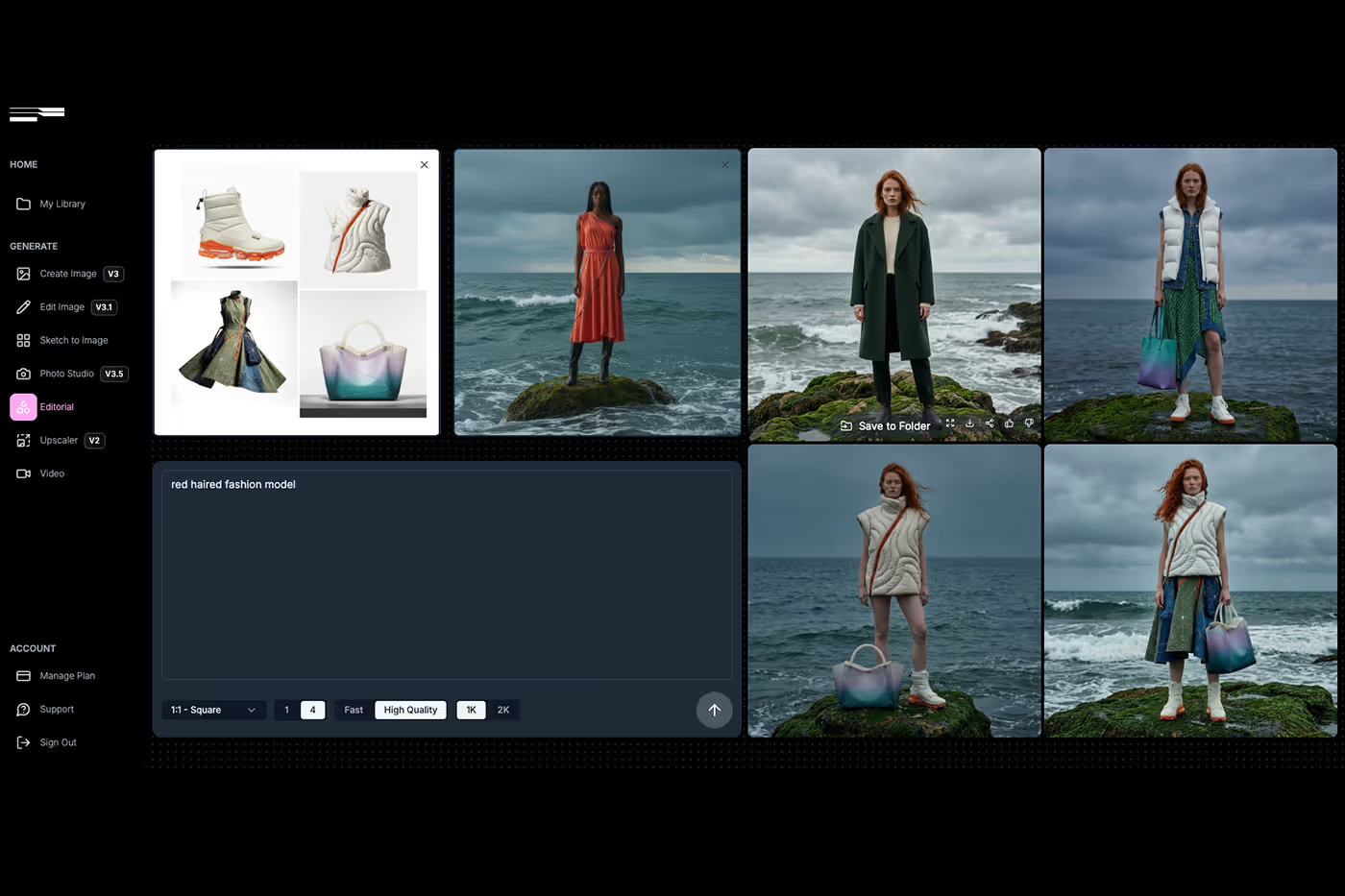
The Fabricant editorial tool turns a reference or inspiration image into editorial and campaign-quality fashion imagery. Set the environment, lighting, and pose from the images that inspire you, upload your model and garments separately, and compose the final shot on the Canvas. Full creative control, no location, crew, or reshoot required.
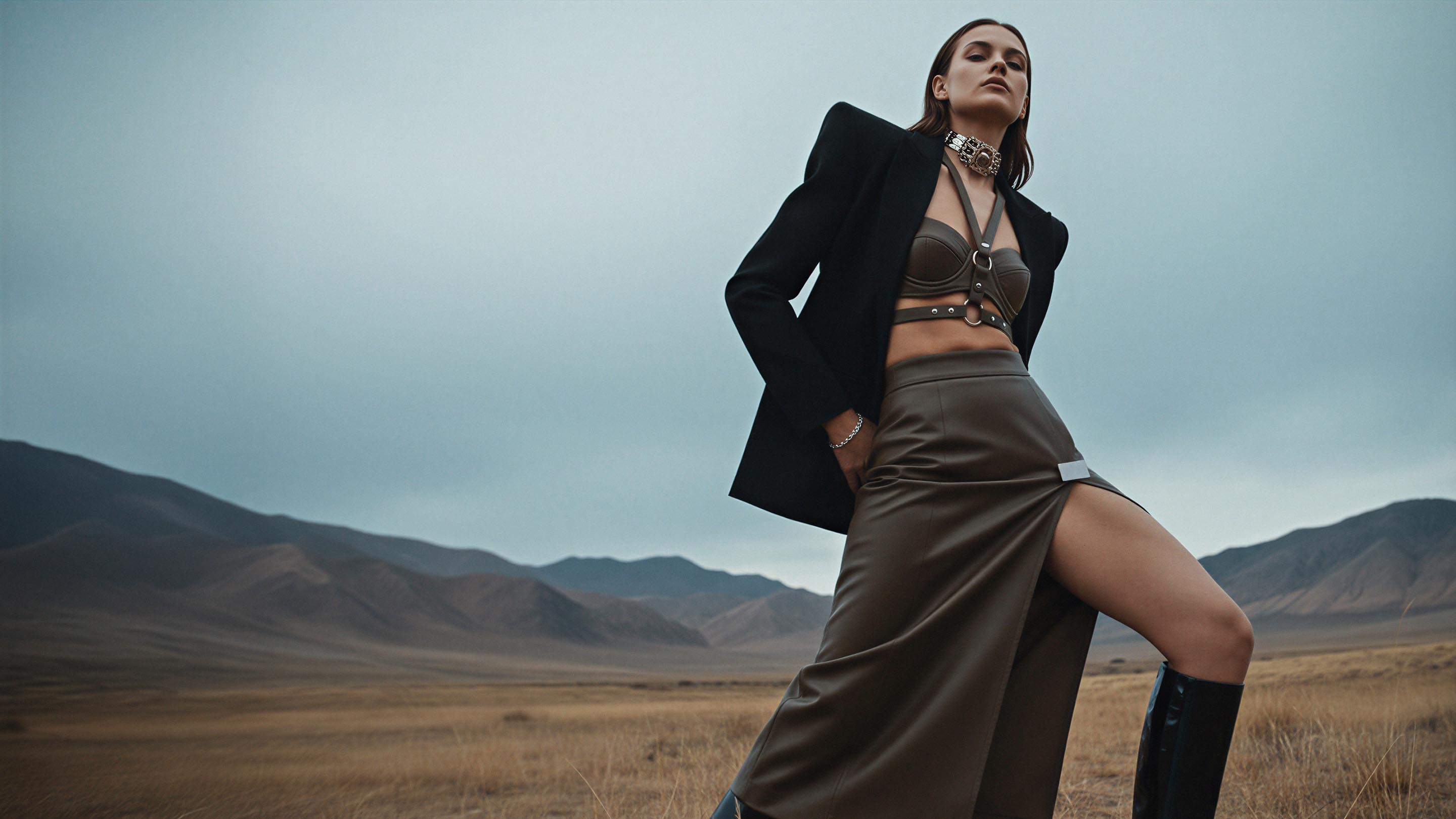
1. Direct Environment, Lighting, and Pose from a Reference Image
Drop in an inspiration image and the tool reads its environment, lighting, and pose. Instead of describing a mood in words, you show it.
From a reference you can:
Match the environment and set of any inspiration image
Carry across lighting, mood, and colour direction
Recreate a pose or composition without a reshoot
Value: The exact editorial look you have in mind, without a studio or location.
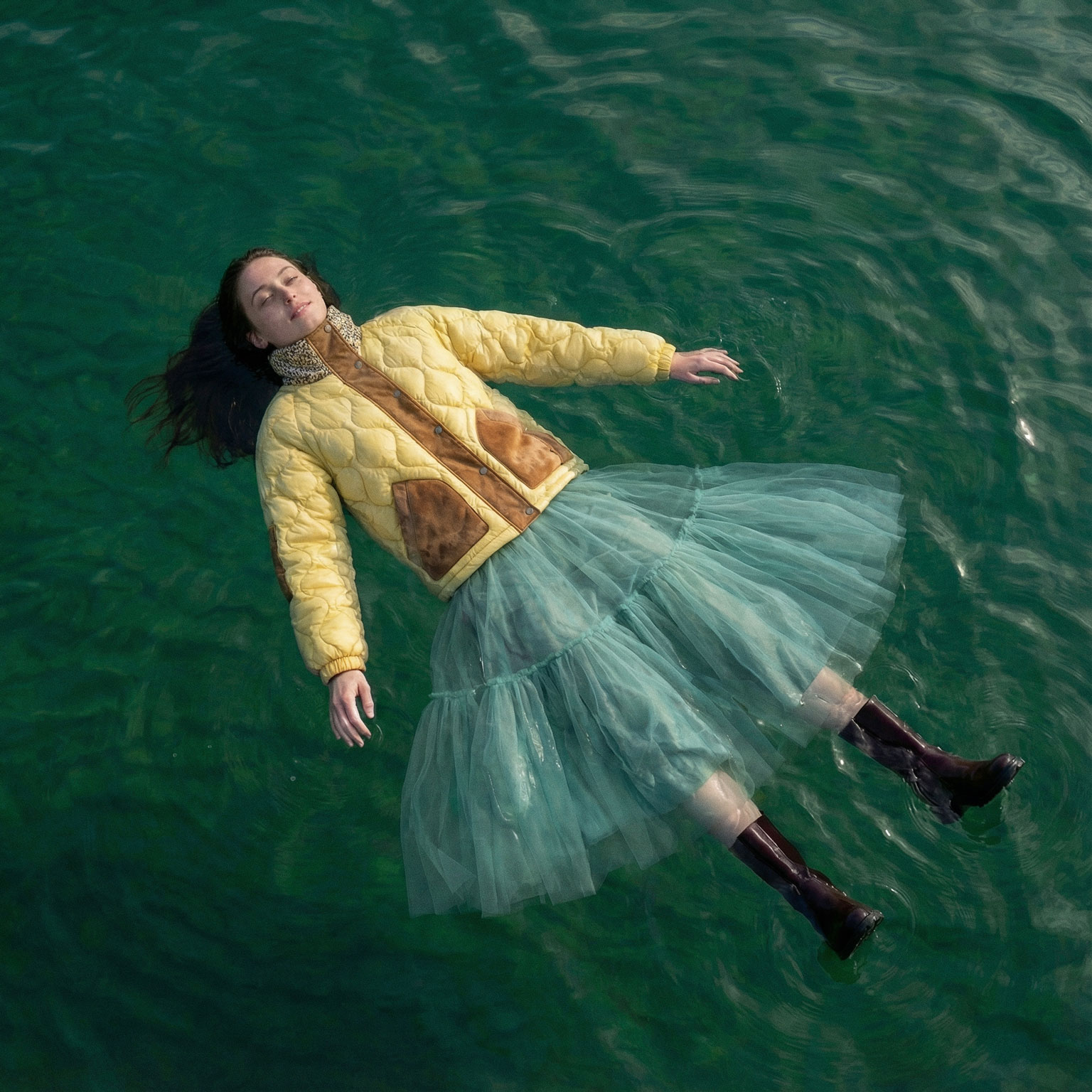
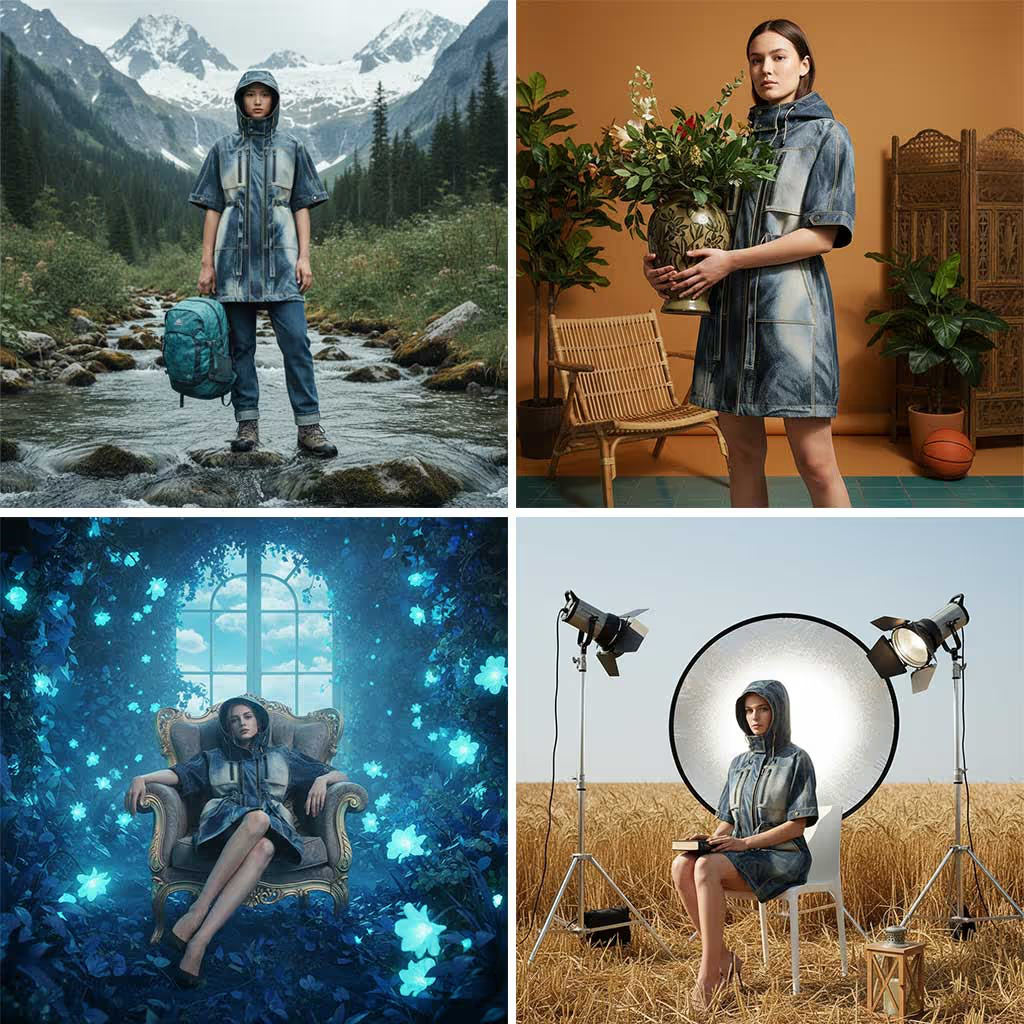
2. Upload Your Model and Garments Separately on the Canvas
With the Canvas you bring the pieces together yourself. Add a model, add your garments, and combine them into one editorial image.
On the Canvas you can:
Upload a model and garments as separate inputs
Dress your chosen model in your real pieces
Compose model, garment, and reference into a single shot
Value: Your products, your model, styled exactly how you want.
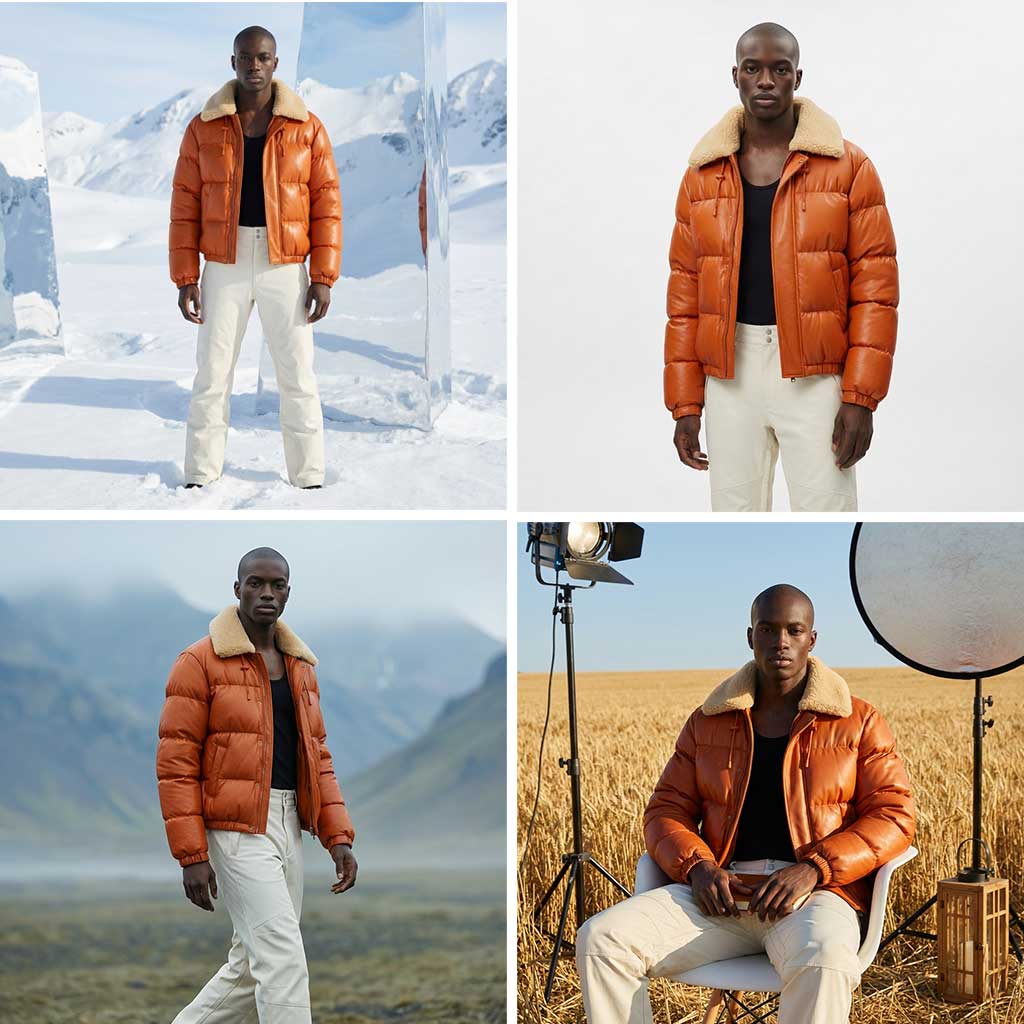
3. One Concept Into a Full Campaign
An editorial concept rarely lives as a single frame. Once a look is set, extend it across the whole story.
The tool lets you:
Generate multiple looks, angles, and variations
Adapt one story for social, web, print, and campaigns
Go from concept to finished visuals in hours, not weeks
Value: One idea becomes a complete, on-brand campaign.
Complex Creative Tasks, Made Simple
AI turns editorial fashion shoots into a flexible, on-demand creative medium. Start from a reference image, bring in your own model and garments on the Canvas, and tell stronger stories faster without sacrificing control, quality, or vision.

.avif)
AI Editorial Fashion Shoot FAQ
What is an AI editorial fashion tool?
It turns a reference or inspiration image into editorial and campaign-quality fashion visuals. You set the environment, lighting, and pose from images that inspire you, add your model and garments, and generate finished shots without a physical shoot.
Can I control the lighting, environment, and pose?
Yes. Upload a reference or inspiration image and the tool carries its environment, lighting, mood, and pose into your shot, so you direct the look visually instead of describing it in words.
Can I use my own model and garments?
Yes. On the Canvas you upload a model and your garments as separate inputs and combine them, so the editorial features your real products on the model you choose.
What is the Canvas?
The Canvas is The Fabricant's nodal workspace where you bring inputs together (model, garments, reference images) and compose them into a single editorial image, then scale the concept into a full campaign.
How is this different from a traditional editorial shoot?
There is no location, crew, or reshoot. You generate editorial and campaign imagery in hours with full creative control, at a fraction of the cost of a traditional shoot.
Learn How to Edit With Precision Using Prompts
See how simple prompts create powerful edits.